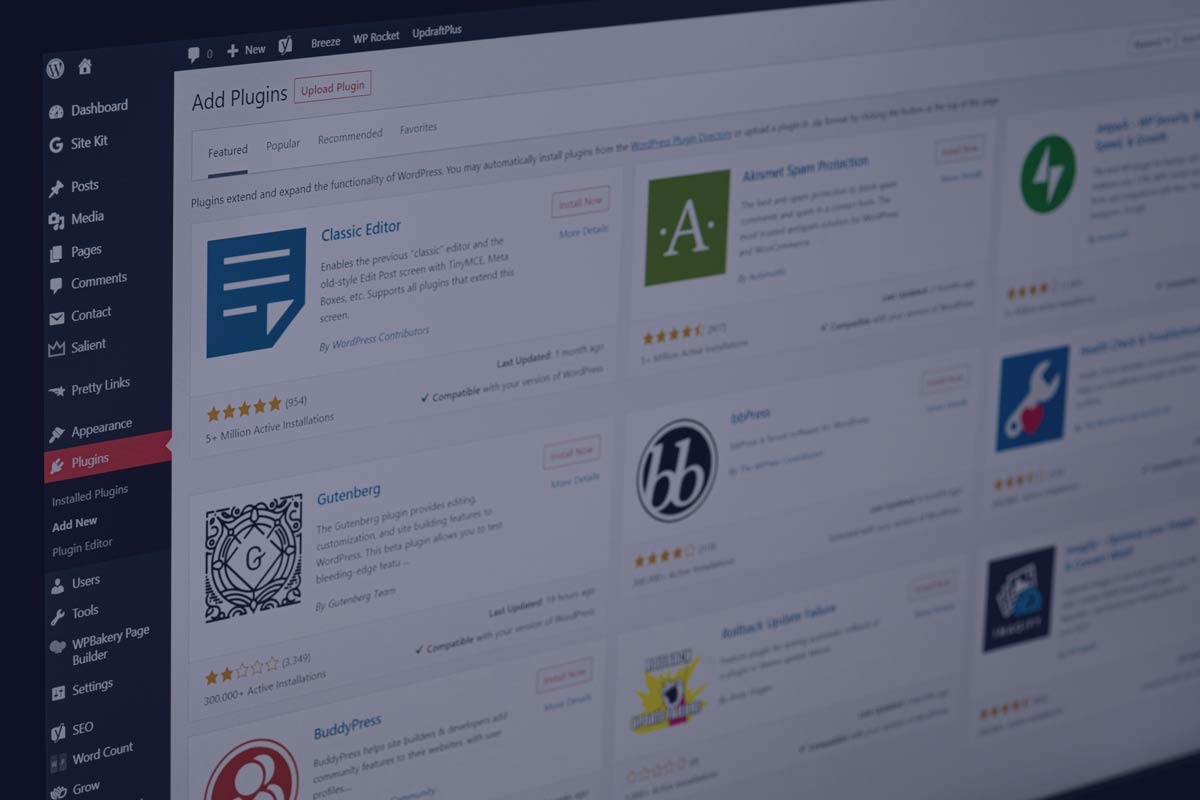
Your CMS is a critical architectural decision that can shape your organisation.
By Adam Forrest, Lead Consultant at Nimble Approach.
Selecting the right Content Management System (CMS) is no longer just a matter of preference. It’s a critical architectural decision that can shape your organisation’s ability to scale, innovate, and respond to market demands.
Whether you’re building a simple marketing site or a multi-platform content hub, the CMS you choose must align with your technical infrastructure, editorial workflows, and long-term digital strategy.
In this guide, we’ll explore the core CMS architectures, from traditional to headless, and help you evaluate which approach best supports your business goals, development resources, and content ambitions.
The architecture comes first
There’s no one-size-fits-all CMS. The right platform depends entirely on your organisation’s needs, team structure, and long-term goals. What’s right for one organisation can be completely wrong for another.
The right CMS depends on your circumstances and what you want to be able to do. Which is often driven by how much control you want an editor to have, team shape and size, and how much developer support you have or want to rely on.
The first thing to do is decide what type of architecture you want to employ as this drives the acquisition of the type of CMS you want. Because choosing the right CMS isn’t just about features, it’s key to understand the right architecture you need first.
A coupled (Monolithic) CMS, A de-coupled (Hybrid CMS) or a Headless CMS. Deciding on one of these architectures means you can focus on exactly the CMS you want. But this is the best starting point for narrowing down a vast CMS field and its best discussed with your technical support.

The pros and cons of each CMS architecture
We’ll break down each one and call out the pros and cons of each architecture. Firstly:
Traditional coupled CMS (Monolithic)
What it is:
A tightly integrated system where the content creation, management, and presentation (frontend) all happen in one place.
Examples: WordPress, Joomla, Drupal (in default setup)
Pros:
- Easy to use for non-developers
- Built-in themes and templates
- All-in-one dashboard
Cons:
- Less flexibility for custom frontends
- Can be bloated or slow if heavily modified
- Risk of vendor lock-in
Best for: Organisations with little or no developer input and smaller marketing teams.
A coupled CMS usually offers content editors the most control. This is normally achieved through WYSIWYG (What You See Is What You Get) editors. They give a huge amount of flexibility and allow editors ultimate control over exactly how and what is displayed.
However, this can be a double edged sword. Yes, content editors can complete most of the required tasks themselves without developer input. However, that can lead to editors having too much control and can result in detraction from design principles like brand guidelines.
Page structure and semantic markup can also be impacted by the use of WYSIWYG editors. This can have a negative impact on SEO and accessibility as the editor decides how the HTML should be structured.
These types of CMS are best for magazine / marketing sites where developer input is limited. We don’t recommend this approach if SEO is a primary objective as markup can often be less than optimal. Page rendering is normally conducted Server side and can be slowed by bloated back ends and complex database queries.
As everything, UI, Server and DB are provided by the same system, this type of CMS architecture can result in vendor lock-in. Changing even a single aspect of that usually results in a complete replatform.
Headless CMS
What it is:
A CMS that only handles the backend (content creation and storage) – it delivers content via APIs, leaving the frontend completely up to developers.
Examples: Contentful, Strapi, Sanity, Prismic
Pros:
- Total control over how and where content is displayed
- Great for multi-channel publishing (web, mobile, IoT)
- Usually faster and more scalable
Cons:
- Requires development resources
- No visual editing out of the box
Best for: Modern web apps, multi-platform brands, custom frontends.
Headless CMS architecture gives you complete control over each aspect of the system. The server, DB and UI are completely separate. Headless CMS’s usually consist of an interface for entering and editing the content itself which is then stored in a DB. Everything else has to be built and integrated independently. Usually by a development team.
Headless CMS architecture has become prominent over recent years. Due to the flexibility of the CMS being an independent component. No more vendor lock-in in terms of UI and rendering. It’s also the best option for multi-brand or multi application clients. You can use the CMS content with whatever UI you wish. A web based UI, Mobile or Desktop App or even social media. As long as you can access the API you can pull the content anywhere.
Headless CMS’s usually lack visual content WYSIWYG editors. Systems that utilise a Headless architecture prefer developer created templates over editor created markup. This leads to greater brand consistency as users can’t detract from brand guidelines hardcoded into the templates. That’s done by a developer. As well as more consistent markup, again that’s hardcoded into the template by a dev. For example a page heading will always be a H1 as the CMS only delivers the content for the H1. not the tag itself.
This obviously leads to a higher dependency on developer resources and can lead to longer time-to-market than a traditional coupled CMS.
Hybrid CMS (Decoupled CMS)
What it is:
A CMS that provides both a traditional frontend and API access, giving you the best of both worlds.
Examples: Drupal (with JSON API), Kentico, Magnolia, Storyblok
Pros:
- Use built-in templates or go fully headless
- More flexible than traditional CMS
- Some visual editing and developer freedom
Cons:
- More complex to manage than monolithic systems
- May require both marketing and developer input
Best for: Medium to large businesses that need flexibility with editorial control.
Hybrid CMS gives you the best of both worlds. It allows flexibility in the UI by serving content from both an API and a traditional server rendered front end.
This can reduce the time to market for the initial implementation but allows the flexibility to change aspects of the system further down the line. It’s a common pattern to start with a Coupled configuration and move to a Headless implementation over time.
One driving factor around CMS architecture is how you’d like the content to be rendered. We’ll outline some rendering options with the pros and cons of each approach.
What else to consider when choosing a CMS
Team shape and technical proficiency plays a large role.
- Do you have developer support for making changes?
- How much control do you want to give content editors?
- Do you want them to be able to make changes at the feature level and develop their own features or do you want to constrain what an editor can do?
Giving editors increased freedom can be a double edged sword. Yes, it gives editors more scope for creative freedom. However it also increases the likelihood of detracting from principles such as brand guidelines and semantic markup. Limiting that control can lead to increased brand consistency, increased SEO (markup is more consistent) but usually means more developer input is needed and therefore a longer time to market.
The right CMS for one organisation might be totally wrong for another. Here’s some things we look at:
Business Goals
- How often does content need updating?
- Is speed-to-publish critical (e.g. news, campaigns)?
- How important is SEO, performance, or multilingual support?
Team Capabilities
- Who will use the CMS day-to-day? Developers? Marketers? Content editors?
- Do they need a WYSIWYG editor, or custom control?
- Will training or support be required?
Flexibility vs. Simplicity
- Do you need a fully custom solution (e.g. headless CMS), or something out-of-the-box?
- Is the priority rapid deployment, or long-term flexibility?
Scalability and Integration
- Can it handle growth in content, users, and traffic?
- Does it integrate easily with CRMs, analytics tools, or ecommerce systems?
Security and Accessibility
- Who manages security patches and updates?
- Does the CMS support accessibility standards like WCAG?
- Is there support for two-factor authentication and role-based permissions?
Hosting Considerations
- Is the CMS self-hosted, vendor-hosted, or cloud-native (SaaS)?
- Who is responsible for uptime, backups, and infrastructure scaling?
- Does the hosting environment support auto-scaling, CDNs, and global delivery?
- Are there regional hosting needs (e.g. GDPR, data residency)?
- What are the cost implications of hosting, fixed or usage-based?
Choosing the right CMS provider
Now we know what architecture we want, it’s time to select a CMS. At this point it’s best to get out and try as many CMS as possible. See what features are available and note the ones you can’t live without.
You’ll find that some CMS providers abstract features behind higher price tiers whereas another provider might provide that feature at a lower tier. So it’s best to shop around and find one that has the features you want at a price that suits your budget, as feature, tiers, and pricing models can vary widely.
It’s best for Marketing and Development to work together on choosing the right CMS. Generally its Marketing who are going to be concerned with creating and publishing the content. So they’re the ones who are going to be interacting with the CMS day-to-day.
Therefore it’s usually best for content editors to make the decision based on the feature set and the content interface. It’s then up to development to ensure the CMS has the required functionality available to implement the chosen architecture.
Key considerations
A good starting point for evaluating CMS platforms is based on these factors:
Ease of Use
- Intuitive interface for content creators.
- Learning curve for administrators.
Customisation
- Ability to modify features and design.
- Availability of plugins or extensions.
Support and Community
- Documentation, tutorials, and user forums.
- Vendor support and maintenance.
Cost
- Licensing fees, hosting, and development costs.
- Total cost of ownership.
Security
- Regular updates and security patches.
- Protection against common vulnerabilities.
Our process
We recently had a client that found their current choice of CMS couldn’t support their growth expectations. It was difficult for content editors to manage updates, dev teams would need to be involved with styling updates and SEO performance was poor due to low page speed. They were launching a new native app that the CMS couldn’t support. So they didn’t have the ability to maintain a centralised content repository to ensure brand consistency and tone of voice across channels.
We took the time to understand their frustrations and limitations with their current system. Choosing the right CMS isn’t just about features, it’s also a question of architecture.
We took a technology agnostic approach. First it was nailing down what architecture would benefit them most. We like to ask a few questions to inform the decision of choosing the right CMS.
This is the general process we follow when helping clients to evaluate and acquire the right CMS.
- Gather project requirements from stakeholders.
- Research and shortlist potential CMS platforms.
- Evaluate each platform against requirements.
- Conduct demos or trials to test features.
- Consider long-term maintenance and scalability.
- Make a final decision based on the best fit.
In conclusion
Choosing the right CMS isn’t just a technology decision. It’s a strategic one that impacts how your teams create, deliver, and scale content across channels. From monolithic systems to headless and hybrid architectures, each CMS model offers trade-offs in speed, control, cost, and flexibility.
By aligning your platform choice with your business goals, team structure, and long-term scalability needs, and by considering architecture early, you’ll set the foundation for sustainable digital growth.
Take the time to evaluate your options thoroughly, involve both marketing and development stakeholders, and choose a system that supports where your organisation is headed, not just where it is today.
Authors bio
Adam Forrest is Lead Consultant at Nimble Approach, he’s been assisting clients as a development consultant for over fifteen years across a range of sectors including E-commerce, Banking and Finance and Telecommunications. He’s passionate about full stack development from Cloud Infrastructure to UI.